Patient Onboarding Guide
Everything you need to know for your first week with WellPath.
Welcome to WellPath
WellPath is a longevity health platform that operates through your clinician's practice. We believe the trusted relationship you have with your clinician is one of the most powerful drivers of lasting health outcomes. Your clinician sets up your account, enters your clinical data, builds your personalized goal plan, and adjusts it as you progress.
Your health is tracked across seven pillars: Healthful Nutrition, Movement and Exercise, Restorative Sleep, Stress Management, Cognitive Health, Connection and Purpose, and Core Care. Four layers of data feed into your WellPath Score:
Behaviors
What you do daily -- diet, movement, sleep, habits
Biomarkers
What bloodwork reveals -- 59 lab markers
Biometrics
Body measurements -- composition, vitals, fitness
Education
What you learn -- reading and engaging with health content
These four layers combine into your WellPath Score, a single number that tracks your health trajectory. The app also includes Biological Age tracking and Advanced Protocols (cold exposure, heat therapy, time-restricted eating) that are scored independently but sit outside the core WellPath Score.
WellPath works in repeating cycles of 8 to 16 weeks: collect data, set goals, track progress, review results, and refine. This guide covers the first phase: onboarding.
First Sign-In
WellPath is not an app you can download from the App Store and start using on your own. Your clinician creates your account and sends you an invitation email. Here's how to get started.
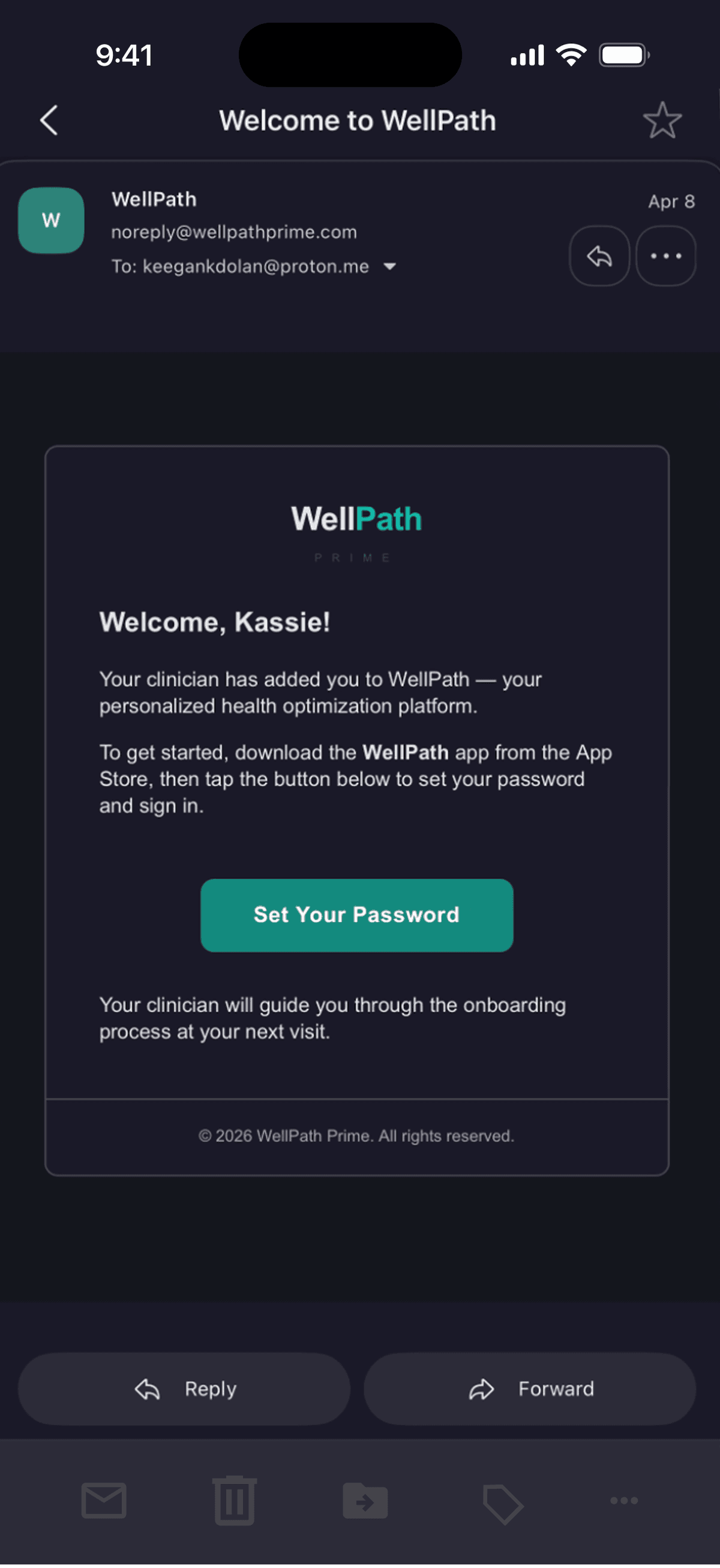
Invitation Email
Your clinician adds you to their practice and you receive a welcome email from WellPath.
The Tour
A guided tour opens automatically on first login. It is skippable and can be revisited anytime from the side menu (Replay Tour), the Goals screen, or the Score screen. We strongly recommend going through it. Click through each step below to see what the tour covers.
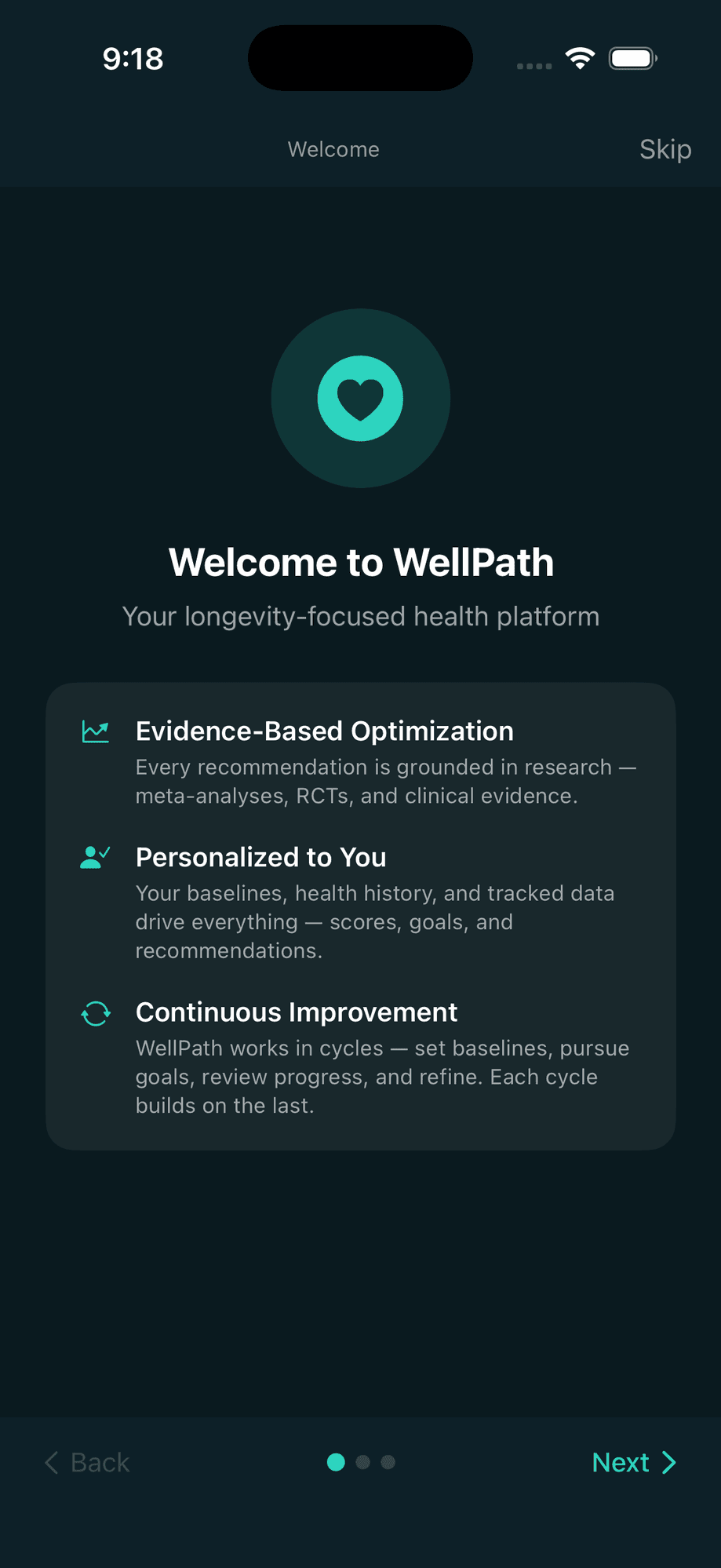
Welcome to WellPath
The tour opens with a brief introduction to what WellPath is and the principles behind it.
Setup
The Setup hub tracks your progress across everything that needs to happen before your plan can begin. Click through the outline to explore each section.
Goals Page
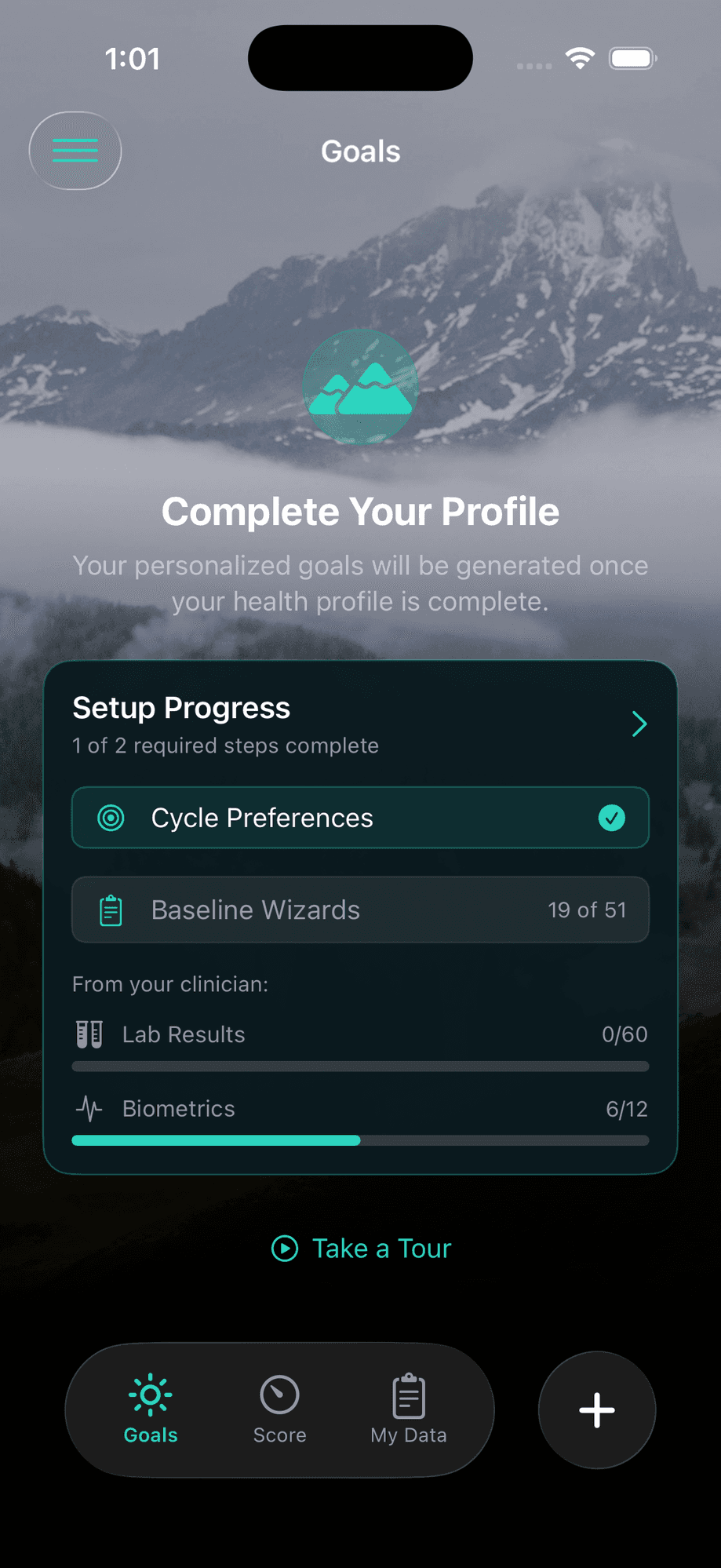
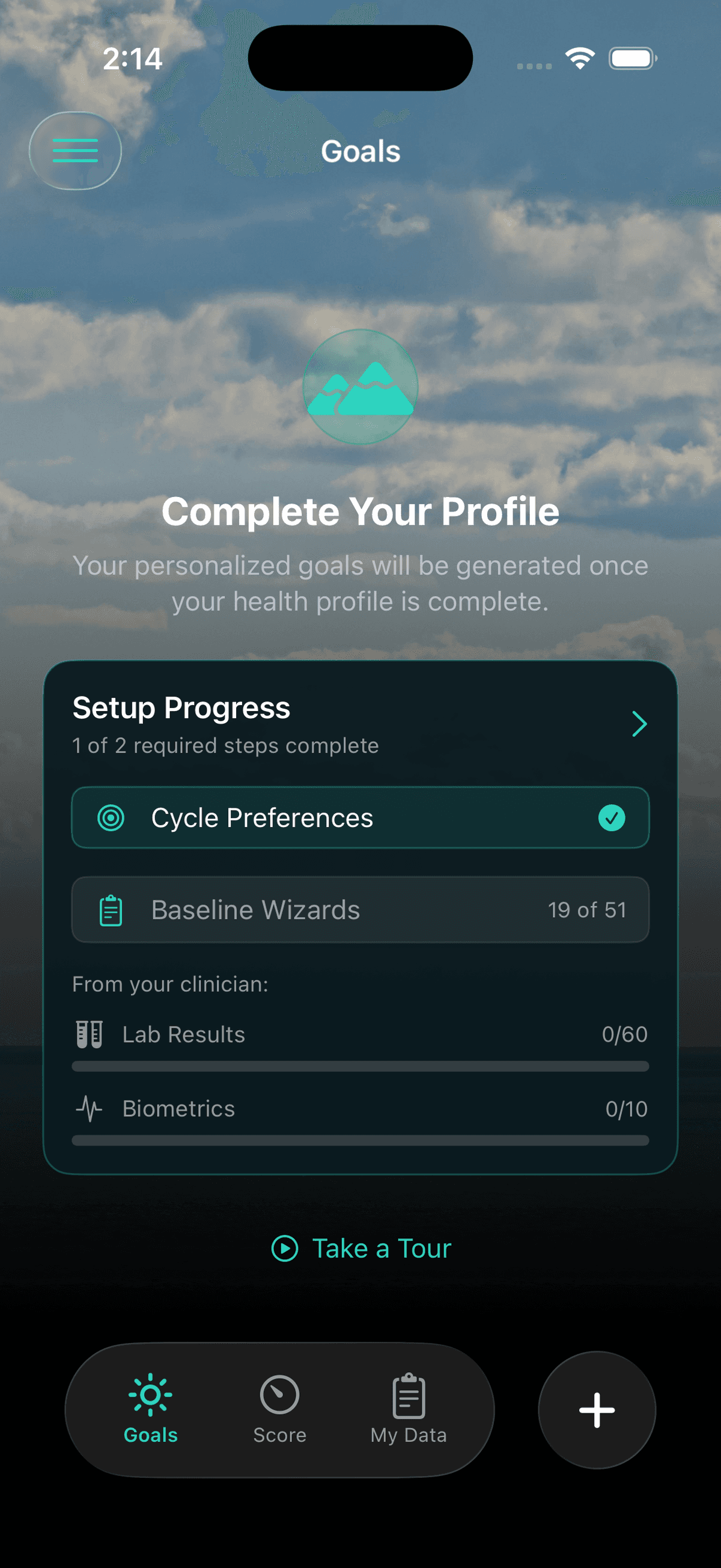
During onboarding, the Goals page shows your setup progress. The card tracks your two required steps (Cycle Preferences and Baselines) and your clinician's progress on lab results and biometrics.
Tap the Setup Progress card to open the Setup hub.
Baselines: The Core of Onboarding
Baselines are estimates of what you currently do, not what you should do. Your answers become the foundation for your initial scores, your personalized goals, and your care plan. Click through to explore the baseline experience.
Baseline Intro Wizard
The first time you tap into baselines, a short wizard walks you through what they are and how they work. It is accessible anytime afterward via the book icon in the top right corner.
Baselines are a snapshot of your current habits -- honest answers give the most useful starting point. There are no right or wrong responses.
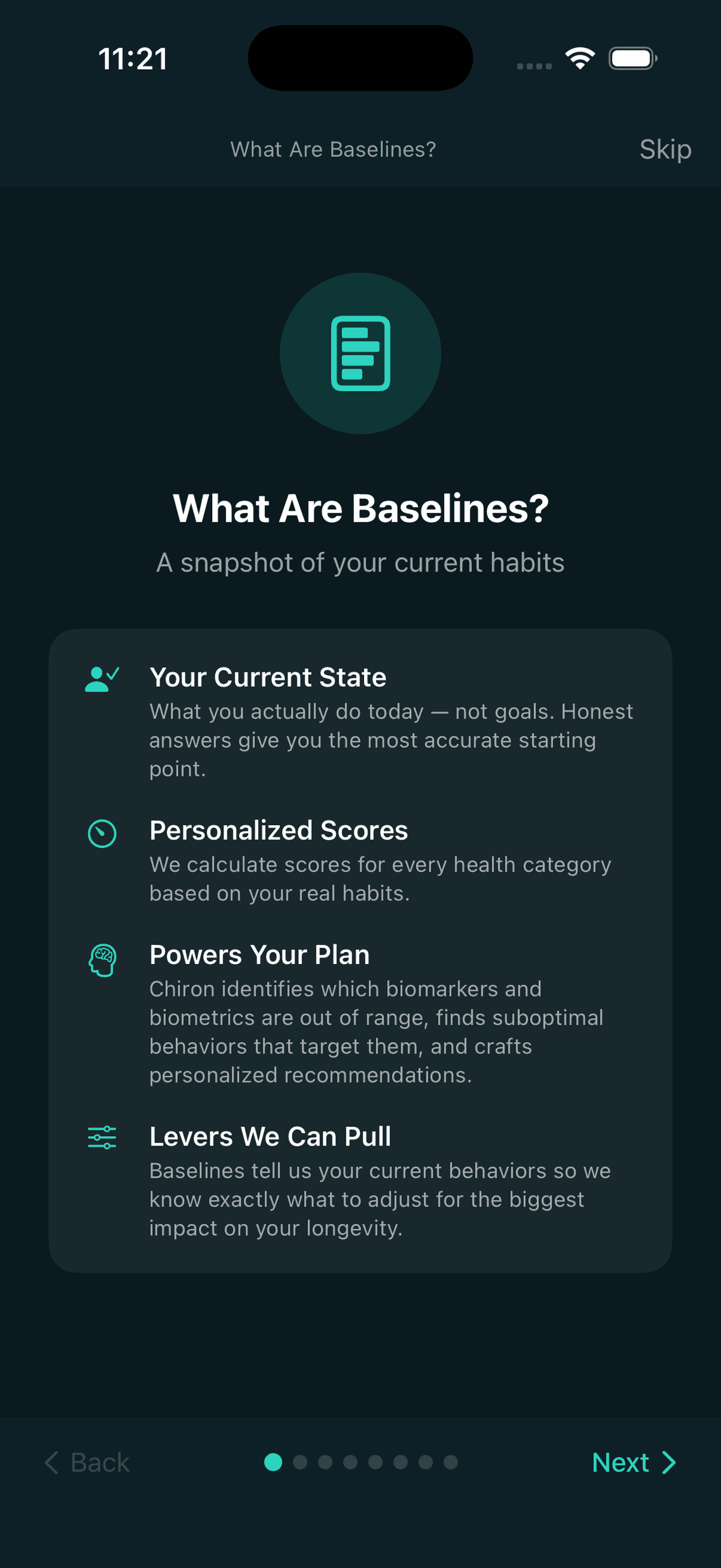
Why Baselines Matter
Scoring
Generate your initial scores across all pillars
Recommendations
Chiron identifies highest-impact areas
Goal Targets
Starting point for realistic ramping
Chiron Context
Every interaction is informed by baselines
After Baselines
Once you complete all your baselines, you will see a celebratory screen in the app. Completing baselines is a meaningful effort and WellPath acknowledges that. Click through to see what happens next.
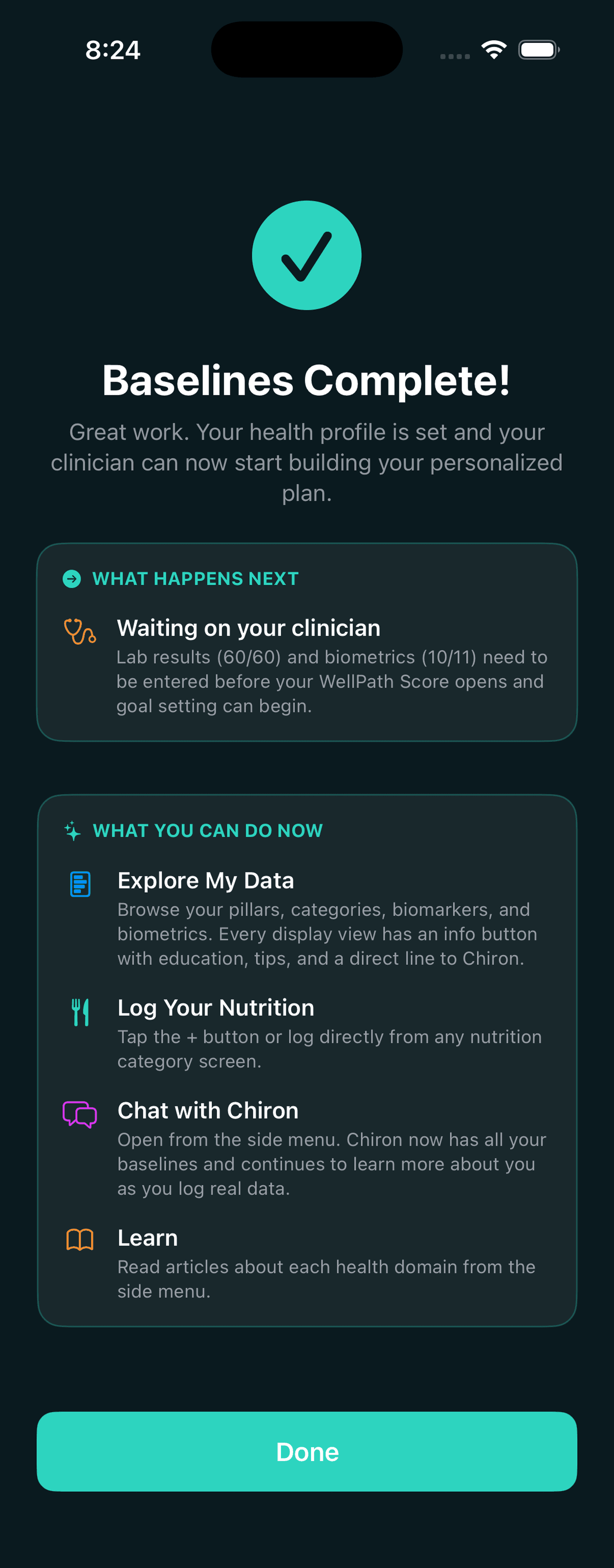
Baselines Complete
Your health profile is set and your clinician can now start building your personalized plan.
The celebration screen shows what happens next and what you can do while you wait:
Navigating the App
The app is organized around three main tabs, a Quick Add button, and a side menu. Click through to explore each area.
Goals
Your main home screen. During onboarding, the Goals tab shows your setup progress -- what you have completed and what is still outstanding from both you and your clinician.
Once your goals are set and your cycle begins, this becomes your goal tracking hub with adherence arcs, goal cards, coach, and challenges. See the Active Phase guide for full detail.
Explore My Data
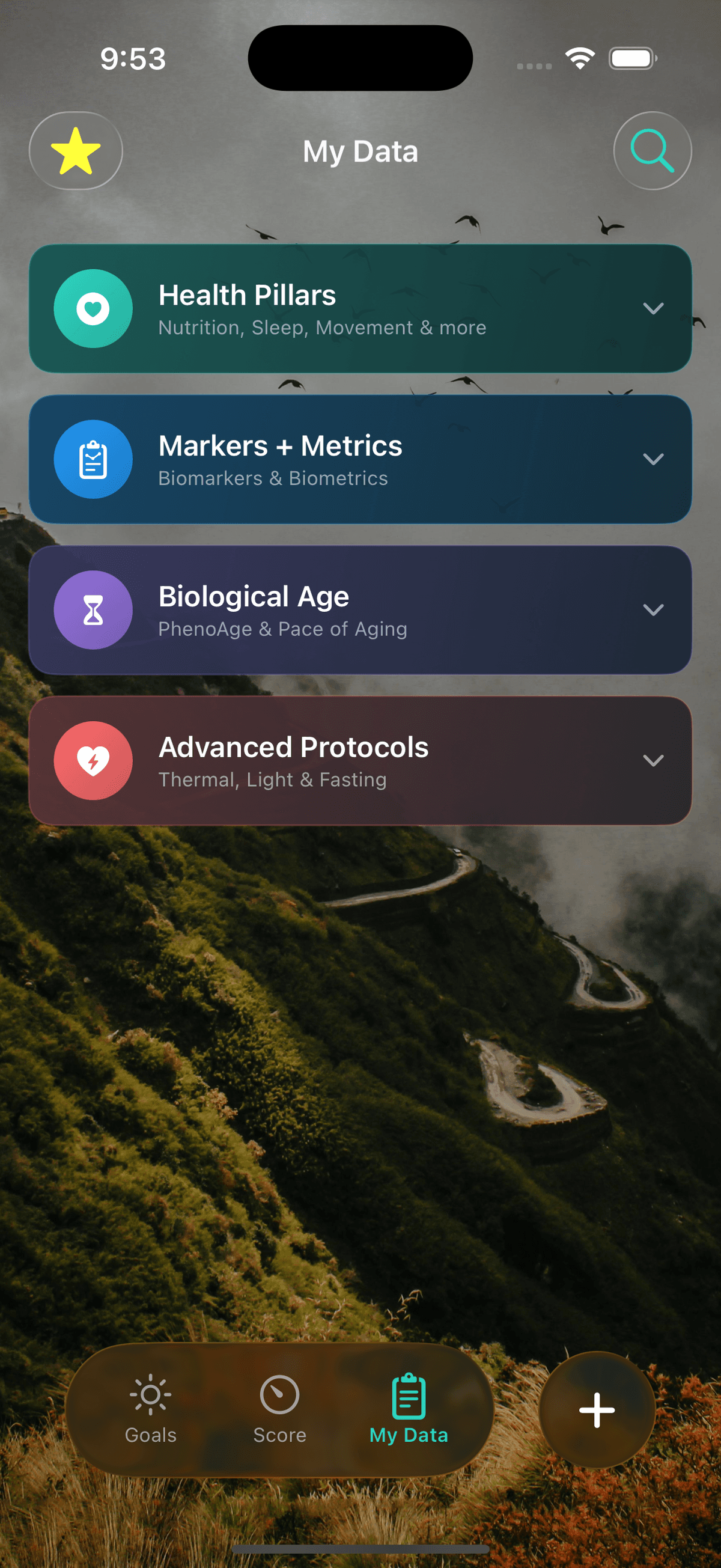
My Data is fully accessible during onboarding. Click through the tree below to explore the app — it mirrors the actual navigation hierarchy.
My Data
My Data is organized into four expandable sections. Tap the chevron on any section to expand it.
Tips for Success
Let HealthKit do the work
Steps, workouts, sleep, and biometrics sync automatically.
Go through the full wizards
You'll understand your data, scores, and the app.
Start logging nutrition early
Consistency matters more than precision.
Use the info buttons
Every screen has one. Learn, get tips, or ask Chiron.
Favorite your entries
Makes daily logging feel effortless.
Be patient with onboarding
The time you invest now pays off in goal quality.